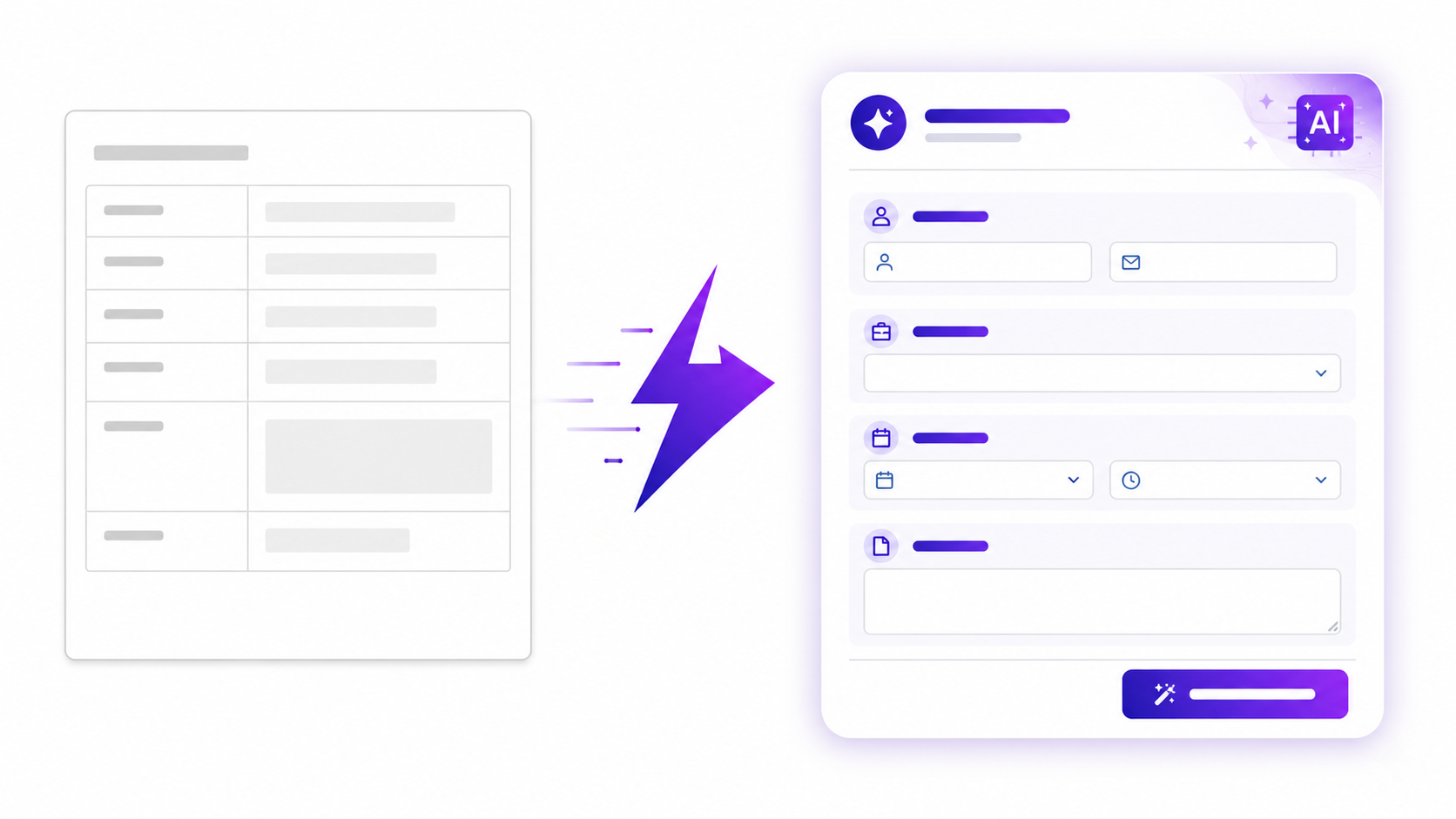
Google Forms has a built-in template gallery. It covers the basics — event registration, customer feedback, order forms, contact information — and for people who need one of those specific formats, it's a reasonable starting point. The problem is that most survey use cases don't fit a standard template cleanly. A customer satisfaction survey for a SaaS product is structurally different from one for a restaurant. A team pulse survey for a twenty-person remote startup needs different questions than one for a two-hundred-person hybrid team. The template is a generic approximation of the thing you need, and the gap between the template and the final survey is where the time actually goes.
This post gives an honest account of how Google Forms templates work, where they're the right choice, and where generating a survey from an AI prompt gets you to a better result faster than browsing a template library and editing it into shape.
What Google Forms Templates Actually Offer
Google Forms templates are functional starting points. The gallery includes around twenty templates covering the most common form types, each pre-populated with representative questions and basic formatting. Loading one takes a few seconds, editing is straightforward, and the Sheets integration that sends responses to a spreadsheet is immediate and reliable.
For use cases that map closely to what the templates cover — party invitations, event registrations, simple order forms — the template serves as a reasonable scaffold. You change the title, swap a few questions, and you're done. The template has done meaningful work.
For surveys with specific requirements — a particular set of dimensions, a specific response scale, conditional logic that shows different questions to different respondents — the template becomes a starting point you rebuild almost entirely. The pre-populated questions are generic enough to apply to any industry, which means they're specific enough to be directly useful to almost none. A customer feedback template that asks "How would you rate your overall experience?" is technically a survey question, but it's not a survey question calibrated to what you specifically need to know.
The template gallery also hasn't changed substantially in several years. The available formats reflect the common use cases of 2019, not the specific survey context of a team running one today. There's no template for a post-product-launch satisfaction survey, a remote team quarterly pulse, a client onboarding experience survey, or dozens of other common modern survey formats.
The Time Cost of Template Browsing and Editing
When someone searches for a Google Forms survey template, the search itself is often faster than what comes after it. Finding a template, loading it, evaluating whether it's close enough to be worth editing, editing each question, adding or removing fields, adjusting scale labels, and reconfiguring sections typically takes fifteen to thirty minutes for any survey with more than five questions.
That time compounds if the first template isn't right and you have to browse alternatives. It compounds further if you're working on a survey that requires conditional logic — which Google Forms supports, but through a "Go to section based on answer" mechanism that becomes genuinely difficult to configure for surveys with more than two or three branching paths.
The editing problem is not unique to Google Forms. Any template library has the same structure: you're working backward from a generic example toward a specific requirement, which is the opposite of starting from a description of what you need. The template imposes its structure on your thinking; AI generation starts from your description of the problem and produces a structure that fits it.
What AI Generation Does Instead
The AI form builder generates a survey from a plain-language description of what you need. You describe the survey objective, the target audience, and any specific requirements — question types, scale formats, topics to cover — and the form is generated in seconds. There's no template gallery to browse, no starting-point questions to delete, no generic phrasing to rewrite.
A prompt like this produces a ready-to-edit survey:
Create a 10-question customer satisfaction survey
for a B2B software product. Ask about onboarding
experience, ease of use, support quality, value
for money, and likelihood to recommend. Use a mix
of 1-5 Likert scales and two open-text questions.
Professional tone.
The output is a ten-question survey with scale labels, question phrasing calibrated to the B2B context, and the open-text questions placed toward the end. Every question is editable. You can add, remove, or reorder anything before publishing.
The generation step takes less than fifteen seconds. Review and editing — reading through the questions, adjusting any phrasing that doesn't fit your specific product — takes another five to ten minutes. The total time from blank page to published survey is under fifteen minutes for most use cases. That's faster than finding and editing a Google Forms template for any survey that requires more than surface-level customisation.
An Honest Comparison
Google Forms is free, integrates natively with Google Workspace, and requires no new account if you already have a Gmail address. For simple surveys distributed within a Google-familiar organisation, it remains the default choice for good reasons. The template library is a minor feature — the real reasons to use Google Forms are the price, the Sheets integration, and the frictionlessness of being already inside the Google ecosystem.
The Google Forms alternative comparison covers the full feature breakdown, but the summary for survey templates specifically is this: if you need a survey that fits one of the twenty standard formats Google Forms covers, the template is fine. If you need a survey that reflects your specific context, AI generation produces a better result in less time — without requiring you to know what a good question looks like or where to find a template that approximates it.
The detailed comparison between Google Forms and Promptly Forms goes through the specific differences in logic, design, integrations, and response handling if you want a side-by-side view.
Where Google Forms Still Wins
There are use cases where Google Forms is genuinely the better choice and a different tool creates unnecessary friction. Internal team surveys where everyone has a Google Workspace account and the data goes straight to a shared Google Sheet — no argument for switching. Simple event registration or feedback collection where the survey has five or fewer questions and no logic requirements — the setup cost of a new tool isn't worth it. Educational contexts where students already use Google accounts — the familiarity advantage is real.
The inflection point is roughly when you need any of the following: multi-page surveys with branching logic beyond simple section skipping, custom design matching a brand identity, response routing to non-Google destinations, or automatic confirmation emails with dynamic content. Below that line, Google Forms is the sensible default. Above it, the generation-and-integration approach is faster and produces a better result.
How to Generate Your Survey in Seconds
Open the AI form builder, describe your survey in one or two sentences, and review the output. If the generated survey is close to what you need, edit it into shape and publish. If it's not right on the first attempt, revise the prompt with more specific requirements — question count, specific topics, scale format — and generate again. The iteration loop is faster than editing a template because you're working with a description rather than an artifact.
For teams that want to start from a structured format rather than a blank prompt, browse the survey templates for pre-built starting points across common survey types. All templates are available on the free plan and editable in full.
Generate your survey with AI — no template browsing required →
Free plan includes 100 responses per month and 3 AI form generations. No credit card required, and no account is needed to try the generator on the homepage.