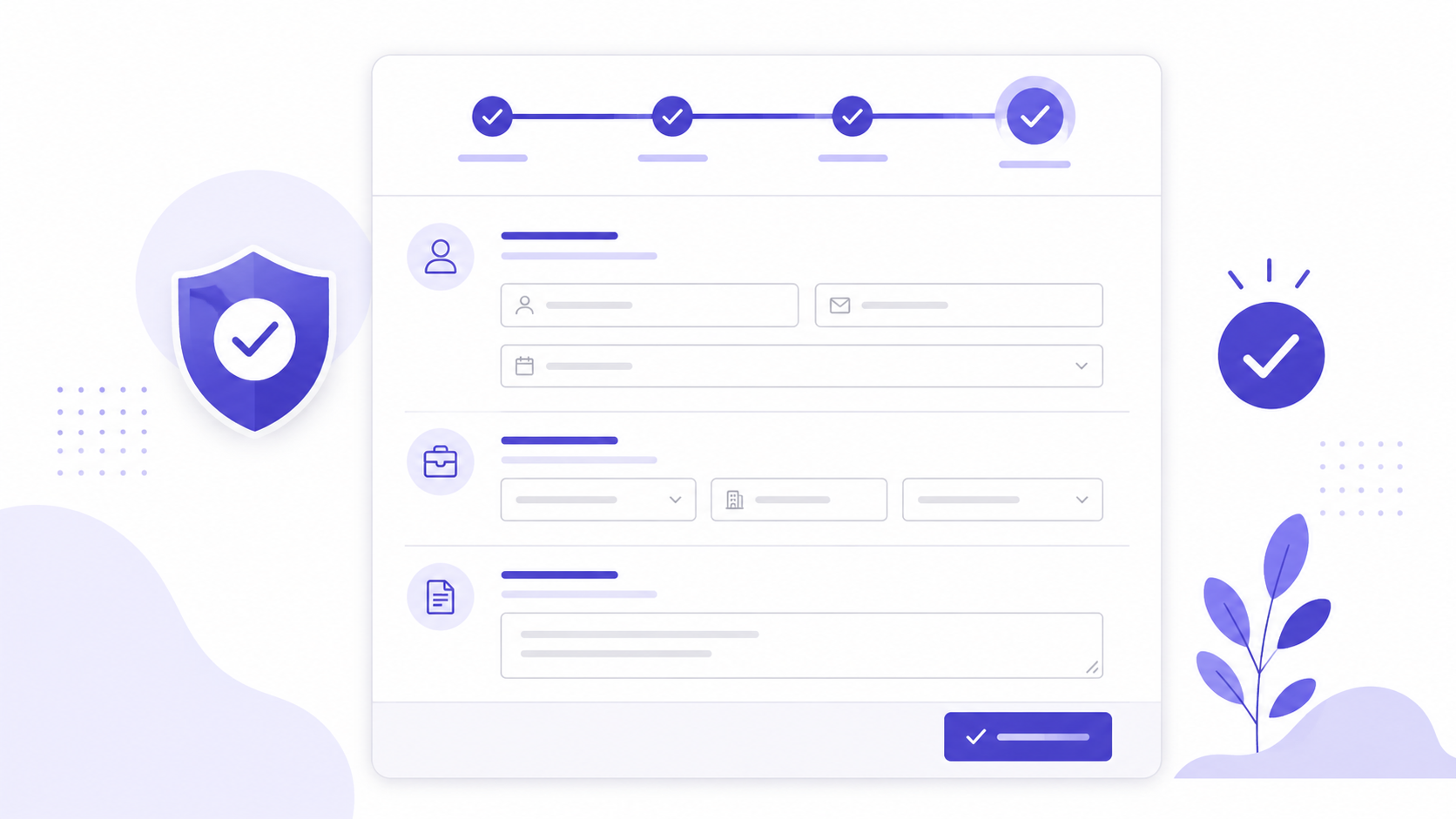
The average job application form loses a significant proportion of its applicants before they submit. The drop-off is not uniformly distributed across the form — it concentrates at specific friction points that recur across most application forms regardless of the role, the company, or the industry. The candidate who abandons at page three of a five-page form is not a candidate who decided not to apply. They are a candidate who ran out of patience for a process that was not designed with their experience in mind.
The consequences are specific and measurable. A senior developer with two competitive offers pending is not going to re-enter their employment history for the third time in a week on a mobile phone at 11pm. A strong candidate pool does not mean strong candidates complete your application process — it means the candidates who remain after form-related attrition are, on average, less time-constrained and less in demand than the ones who dropped off.
Where Candidates Abandon
The highest abandonment points in online application forms are consistent across industries: account creation requirements, the cover letter field, and the work history re-entry section.
Account creation is the single highest-abandonment step in any application process that requires it. Requiring a candidate to create an account before they can see the application — let alone submit it — adds a barrier at the precise moment when intent is highest. The candidate who arrives at your careers page has already done research and has decided to apply. Putting an account registration form in front of the application converts a person who is ready to apply into a person who has to decide whether the role is worth creating another account for. For most candidates in a competitive market, it is not.
Removing the account creation requirement, or pushing it to after the initial submission, removes this friction entirely. The candidate completes the application in their initial session and receives a confirmation. Account creation, if needed for a candidate portal, happens afterward — when the candidate has already committed to the process.
The cover letter field is a particular abandonment driver for mobile applicants, who represent a growing proportion of applicants across most industries. Writing a thoughtful cover letter on a phone is slow, prone to autocorrect interference, and cognitively demanding in the fragmented attention context that most mobile form completion happens in. If the cover letter is genuinely essential for screening, making it a separate step — requested after the initial application or linked as a follow-up — dramatically reduces its abandonment effect. If it is included by habit rather than necessity, removing it produces a better-qualified applicant pool and meaningfully lower drop-off rates.
Work history re-entry is the version of abandonment that candidates rarely articulate but universally experience. Filling in the same employment history that already exists on their LinkedIn profile or CV — re-entering employer name, dates, role title, and responsibilities in separate fields for each position — is a task that candidates experience as redundant and time-consuming. The structured data is genuinely useful for screening and comparison; the solution is making work history optional or limited to the most recent role for initial screening, with full detail requested only for shortlisted candidates.
Fields That Qualify Versus Fields That Just Add Friction
Not all application form fields produce information that changes screening decisions. Some fields are essential. Others collect data the hiring team would never look at until after the hire — and their presence on the application form costs completion probability for no return.
Fields that change screening decisions: relevant experience specific to the role, availability or start date if it is a genuine constraint, location or right-to-work status if applicable, and salary expectation if it is a real screening criterion. Each of these answers a question the hiring team uses to decide whether a candidate advances. Their inclusion is justified.
Fields that do not change screening decisions but appear on most application forms: date of birth, current salary, references at the initial stage, emergency contact, and national insurance or social security numbers. Several of these create legal risk as well as form friction — collecting date of birth or national insurance numbers at the application stage is legally unnecessary in most jurisdictions and creates data handling obligations with no corresponding screening benefit.
Build an online job application form for a marketing
manager role. Ask for full name, email, phone number,
right to work in the UK (yes/no), current location,
LinkedIn profile URL, years of relevant experience
(dropdown), and one short answer: "Describe your
most successful marketing campaign in two sentences."
Optional: CV upload. Do not ask for date of birth,
current salary, or references.
The two-sentence achievement question is the highest-value field in any application form that uses it. It is short enough that serious candidates will answer it — two minutes, not twenty. It is specific enough to distinguish between candidates who can communicate clearly and those who cannot. And it produces a directly comparable data point across all applicants in a way that a cover letter does not, because the question forces a concrete answer rather than a general pitch.
Routing Applications Automatically
An online application form that deposits all responses into an unstructured inbox creates manual sorting work. The routing step — getting the right application to the right reviewer in a usable format — determines whether the form creates efficiency or just digital paperwork.
The HR and recruitment templates include application form structures for common roles. Connecting the form to an automated routing workflow means each submission triggers the same process: an acknowledgment email to the candidate, an internal notification to the hiring manager, and a structured record in whatever system the team uses to track candidates.
For teams managing recruitment without an ATS, a Google Sheet with one row per application and one column per field is a workable alternative that requires no additional tooling. Promptly Forms sends each application to a named sheet in real time. The name, email, qualification answers, and the two-sentence achievement response land in separate, sortable columns. The CV or portfolio link, if submitted, appears as a clickable URL.
The confirmation email to the candidate deserves specific attention. A confirmation that says only "Thank you for your application — we'll be in touch" is the minimum. A confirmation that says "Thank you for applying for [role]. We review applications on a rolling basis and will contact shortlisted candidates within [timeframe]" sets expectations, reduces follow-up emails from candidates, and signals to the candidates you most want to hire that this is an organisation that communicates clearly.
The Candidate Experience Is the Employer Brand
The application process is the first extended interaction a candidate has with the way your organisation actually operates. An application form that is fast, clear, and mobile-friendly communicates that the organisation values people's time and builds processes that work. An application form that requires account creation, re-entry of CV data, and a cover letter on a mobile phone communicates something else.
In a competitive hiring market, candidate experience is not a nice-to-have. The candidates most in demand — the ones with options — will make inferences from the application process about what working at the organisation is actually like. A process that requires thirty minutes of data re-entry to apply for a junior role tells a senior candidate something specific about how operational decisions are made. A process that takes five minutes, confirms immediately, and communicates clearly about next steps tells a different story.
The new employee forms guide covers the post-hire onboarding form design that follows once a candidate is selected — including how to continue the clean, clear experience from the application into the first week.
Open the AI form builder and describe your role and the specific screening criteria you use at the initial stage. A complete application form generates in under 10 seconds with appropriate field types, a logical sequence, and no account creation requirement.
Create a free account to save and publish your application form →
Free plan includes 100 responses per month and 3 AI form generations. No credit card required, and no account is needed to try the generator on the homepage.