Annual employee engagement surveys are better than nothing. Most HR teams run one, share the results in a leadership presentation, and carry forward roughly the same questions the following year. Response rates drift. The data becomes harder to act on. And nobody is quite sure whether the 3.2 average on question 7 means the same thing this year as it did two years ago.
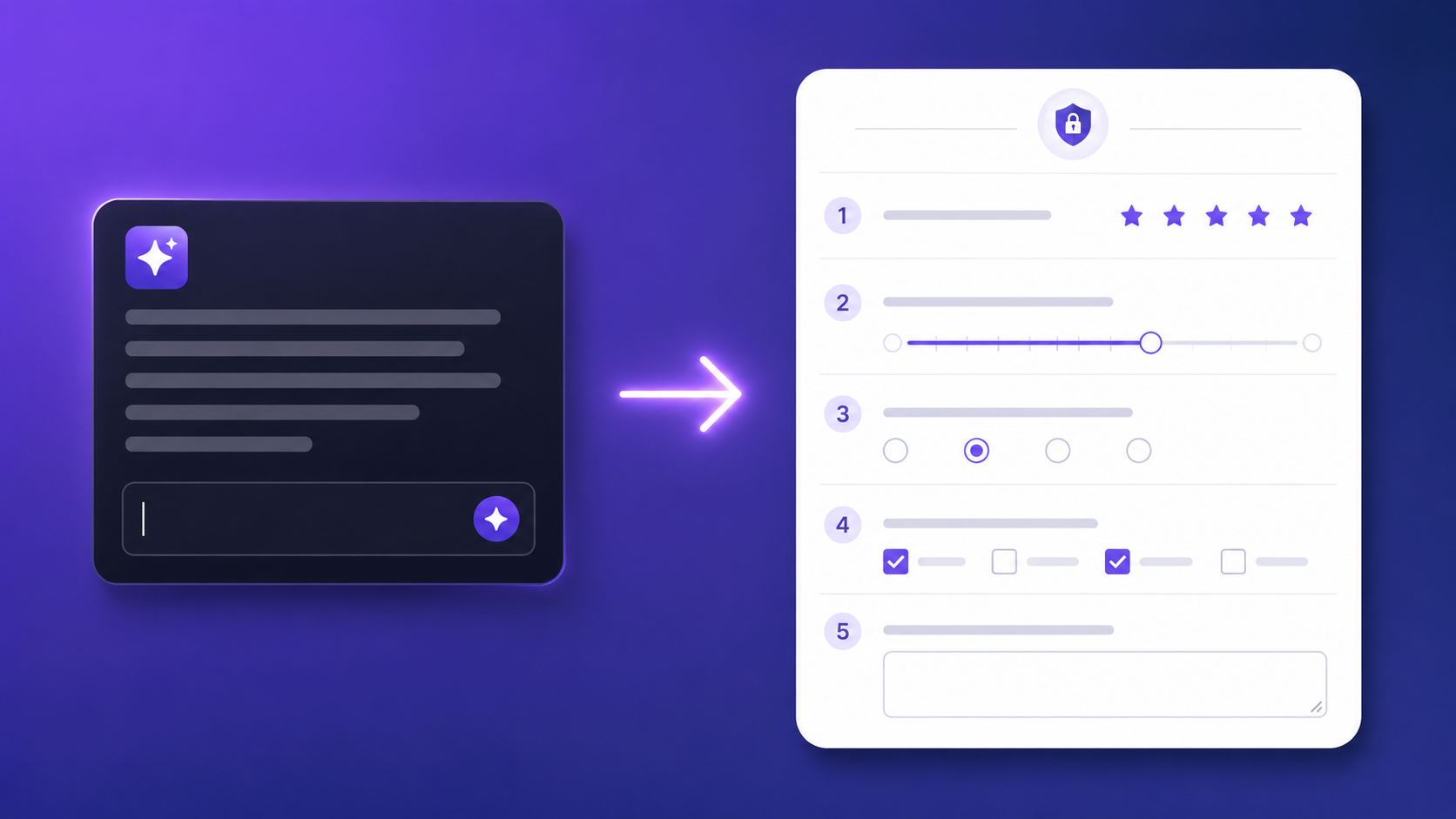
That's where an AI employee survey changes the equation — not by replacing the process, but by changing what gets asked and how it's framed. Questions generated from specific context produce more actionable data than questions recycled from last year's template.
Here's what that looks like in practice — including real generated questions, the prompts that produce them, and the honest limits of what AI can and can't do with your engagement data.
What an AI Employee Survey Does Differently
The standard engagement survey is written once by one person — usually someone in HR, sometimes a consultant — and reused with minor adjustments for years. The questions reflect the framing, assumptions, and blind spots of whoever wrote them. They're generic by design, because they were meant to apply to every team in the organisation at once.
An AI employee survey generates questions from context you provide: team size, working model, industry, and the specific engagement dimensions you care about this quarter. A question set for a fully remote team of twenty engineers looks different from one for a hybrid retail workforce of three hundred — not just in topic, but in phrasing, scale structure, and the specific behaviours being measured. This contextual tailoring isn't cosmetic. The question "How often do you feel isolated from your colleagues?" lands differently in a co-located team than in a distributed one, and AI generation produces questions calibrated for the actual situation rather than a hypothetical average.
AI also removes a specific class of bias from question writing: unconscious framing. Leading questions, double-barrelled questions, and implied-answer questions are common in manually-written surveys because the person writing them already has a hypothesis. "How much has the new policy improved your productivity?" is a leading question. "How has the new policy affected your productivity?" is neutral. AI consistently produces the neutral version without needing to be corrected.
One honest boundary: AI generates the questions. It doesn't tell you what to do with the answers. Interpreting results, identifying which themes require urgent response, and deciding what to communicate back to the team — those require human judgement, organisational context, and accountability that no tool provides.
12 AI-Generated Questions Worth Running
These questions were generated using the pulse survey prompt in the next section. They're specific enough to produce actionable data, neutral enough to answer honestly, and short enough to complete in under five minutes.
Role clarity and autonomy
1. "How clearly do you understand what success looks like in your role over the next 90 days?" (Scale: 1–5, from Not at all clear to Completely clear)
Better than "Are you clear on your role?" because it anchors to a specific time horizon — "the next 90 days" surfaces clarity right now, not in the abstract.
2. "In the past month, how often have you had the autonomy to make decisions in your area of responsibility?" (Never / Rarely / Sometimes / Often / Always)
Better than "Do you feel empowered?" because frequency is measurable and comparable across survey cycles in a way that a vague empowerment scale is not.
3. "What is one thing that would give you more clarity or confidence in your role?" (Open text)
Better than "Do you have any comments?" because the single-answer constraint focuses the response and makes qualitative analysis tractable across a large team.
Manager relationship
4. "How supported do you feel by your manager when you raise a problem or concern?" (Scale: 1–5, from Not at all supported to Fully supported)
Better than "Is your manager effective?" because it measures a specific, observable behaviour — responsiveness to problems — rather than a global effectiveness rating that means different things to different respondents.
5. "In the past month, how often did you receive feedback that helped you improve your work?" (Never / Rarely / Sometimes / Often / Always)
Better than "Does your manager give you feedback?" because the past-month anchor and the "helped you improve" qualifier both make the question concrete and evaluable rather than abstract and retrospective.
6. "What is one thing your manager could do differently that would make your work easier?" (Open text, anonymous)
Better than "Any comments about your manager?" because the "one thing" constraint forces specificity, and naming anonymity in the question label itself signals that honest answers are expected.
Team and collaboration
7. "How would you rate the quality of communication within your immediate team?" (Scale: 1–5, from Very poor to Excellent)
Better than "Is teamwork good?" because communication quality is a specific, improvable dimension — a low score points at something actionable, not just a general dissatisfaction signal.
8. "How often do cross-team dependencies create blockers or delays in your work?" (Never / Rarely / Sometimes / Often / Always)
Better than "Do you face blockers?" because specifying cross-team dependencies identifies a structural cause rather than a symptom, which is more useful for an operations or leadership team reviewing results.
9. "What is one process or workflow your team could improve in the next quarter?" (Open text)
Better than "Any suggestions for improvement?" because the quarter horizon and team focus scope the answer to something achievable, rather than inviting either vague wishes or long-range complaints.
Growth and retention signals
10. "How likely are you to be working here in 12 months?" (Scale: 1–5, from Very unlikely to Very likely)
Better than "Are you satisfied with the company?" because 12-month retention intent is the leading indicator most directly connected to actual attrition, and it produces data you can benchmark quarter over quarter.
11. "How clearly can you see a path for professional growth in this organisation?" (Scale: 1–5, from No path visible to Very clear path)
Better than "Are there growth opportunities here?" because visibility of a path is a more honest question — many organisations have opportunities that employees can't see, which is a communication problem, not a structural one.
12. "What would make you significantly more likely to stay long-term?" (Open text, anonymous)
Better than "Any other comments?" because it asks the specific question most leaders want answered but rarely ask directly. The anonymity label matters here — this question produces honest answers only if respondents believe them.
AI Employee Survey Prompts That Generate Better Questions
Each of these prompts can be pasted directly into the Promptly Forms AI form builder to generate a complete, publish-ready survey — or into ChatGPT to generate a question set you then build manually.
Prompt 1 — Quarterly pulse
Create a 10-question quarterly employee engagement
pulse survey. Focus on role clarity, manager
effectiveness, and team collaboration. Use a mix
of 1-5 scales and open-ended questions. Keep it
completable in under 5 minutes.
Produces a balanced ten-question survey with scales for quantitative tracking and two to three open-text fields for qualitative signal. The question set is short enough to run quarterly without survey fatigue.
Prompt 2 — Remote team specific
Build an employee engagement survey for a fully
remote team of 15-50 people. Ask about communication
quality, feelings of isolation, tool effectiveness,
work-life balance, and what support would help most.
Keep questions neutral and anonymous.
Produces questions calibrated for remote-specific challenges — isolation, async communication friction, and tooling — rather than a generic engagement survey with a remote-sounding title. The anonymity instruction shapes the phrasing throughout.
Prompt 3 — Post-restructure check-in
Create a sensitive employee survey for a team that
recently went through a restructure. Ask about
clarity of new roles, confidence in leadership
decisions, psychological safety, and what information
they still need. Use careful, neutral language.
Produces questions that address restructure-specific anxiety without leading respondents toward particular answers. The "what information they still need" question consistently generates as an open-text field — useful for identifying specific communication gaps leadership should address.
Prompt 4 — New hire 30-day check-in
Write a 30-day new hire check-in survey. Ask about
onboarding quality, clarity of role, relationship
with manager, team integration, and what support
they still need. Friendly, encouraging tone.
Produces a five-dimension check-in survey with warmer phrasing than a standard engagement survey — the tone instruction shapes labelling throughout. The "what support they still need" question generates as open-text with a prompt that makes it easy to answer honestly at 30 days without feeling like a complaint.
Anonymity, Sentiment and the Trust Gap
The most technically sound anonymous survey still won't produce honest answers if employees don't believe it's anonymous. This is the real barrier to useful engagement data, and it has nothing to do with the survey tool.
In a team of eight people, even a perfectly anonymous form can feel identifying if one person selects "Strongly disagree" on a question about manager support. The answers themselves can reveal the respondent — not because of metadata, but because context narrows the field. The response rate tells you something too: a 90 percent response rate with all positive answers is a different kind of signal than a 60 percent rate with mixed results. What builds trust isn't a better form — it's a track record of handling previous survey data responsibly.
What genuinely helps: sharing aggregated results openly with the team (not just leadership), naming at least one action taken directly from feedback, and running surveys frequently enough that no single response carries disproportionate weight. Quarterly beats annual not just for data freshness but for trust — when the next survey is three months away, the current one feels less high-stakes. An AI employee survey run quarterly with results shared openly changes the dynamic more than any question-wording improvement.
What doesn't help: telling people it's anonymous without evidence that it is, asking sensitive questions while simultaneously tracking response times and completion patterns, and running surveys without any visible follow-through. If the last survey produced no visible change, the next one will produce lower response rates and less honest answers. AI doesn't solve this. Culture and follow-through do.
How to Analyse Open-Text Responses with AI
The hardest part of employee surveys isn't collecting responses — it's reading fifty open-text answers to "What would make you more likely to stay?" without either losing the signal in the noise or accidentally identifying individual respondents.
A spreadsheet of fifty free-text answers is not analysable by eye at any meaningful scale. Themes get missed, outliers get ignored, and the analysis reflects whoever was in the room when the team reviewed the data. AI analysis of qualitative survey data is one of the more practical applications of language models for HR teams — it processes the full response set without cognitive fatigue, identifies recurring themes across differently-worded answers, and flags responses that suggest urgent individual follow-up without exposing the specific respondent to the reader.
The workflow: export your responses from Promptly Forms as a CSV. Open ChatGPT, Claude, or another language model. Paste the open-text column with this prompt:
Here are [N] employee survey responses to the question
"[question text]". Identify the top 5 themes, note any
responses that suggest urgent attention is needed, and
summarise in under 200 words. Do not quote specific
responses verbatim.
The "do not quote specific responses verbatim" instruction preserves anonymity at the analysis stage — you get themes and a summary, not a list of individual answers that could be traced back to respondents. Review the themes against what you know about the team. Act on what's actionable. For more on building the survey itself, the guide to creating a form with AI covers the generation process in depth.
What AI Still Gets Wrong
AI generates well-worded questions. It has never attended your all-hands meeting, doesn't know what happened in the last quarter, and is entirely unaware of the long-running tension between two teams that makes question 7 politically complicated. Question quality is not the same as survey relevance.
The specific failure modes worth knowing: AI doesn't know which topics are sensitive in your specific organisation, whether your culture responds better to direct or indirect questioning styles, which recent events require careful handling in the survey design, or which manager relationship questions need to be framed differently for individual contributors versus team leads. These are all things a skilled HR practitioner knows from context — and they should review every AI-generated question before the survey goes live. The rule is simple: treat AI output as a first draft, not a final survey. Read every question. Edit anything that doesn't fit the specific situation. The generation step saves 80 percent of the writing time; the review step catches the 20 percent that needs human judgement.
Templates to Get Started
If you'd rather start from a pre-built structure than generate from scratch, the HR and recruitment templates cover the most common employee survey formats — quarterly pulse surveys, onboarding check-ins, exit interviews, and manager effectiveness surveys. All are available on the free plan and editable after loading.
For anything specific to your team's situation — a post-restructure check-in, a remote team pulse, or a new hire 30-day survey — the AI form builder produces a tailored question set from a single prompt. Use one of the four prompts in this post as a starting point, or describe your specific context in plain language.
Browse all survey templates to find a starting point, or check the HR templates directly for the employee-specific formats. Build from scratch with the AI form builder if your use case doesn't fit a standard template.
Create a free account to save and share your survey →
Free plan includes 100 responses per month and 3 AI form generations. No credit card required, and no account is needed to try the generator on the homepage.