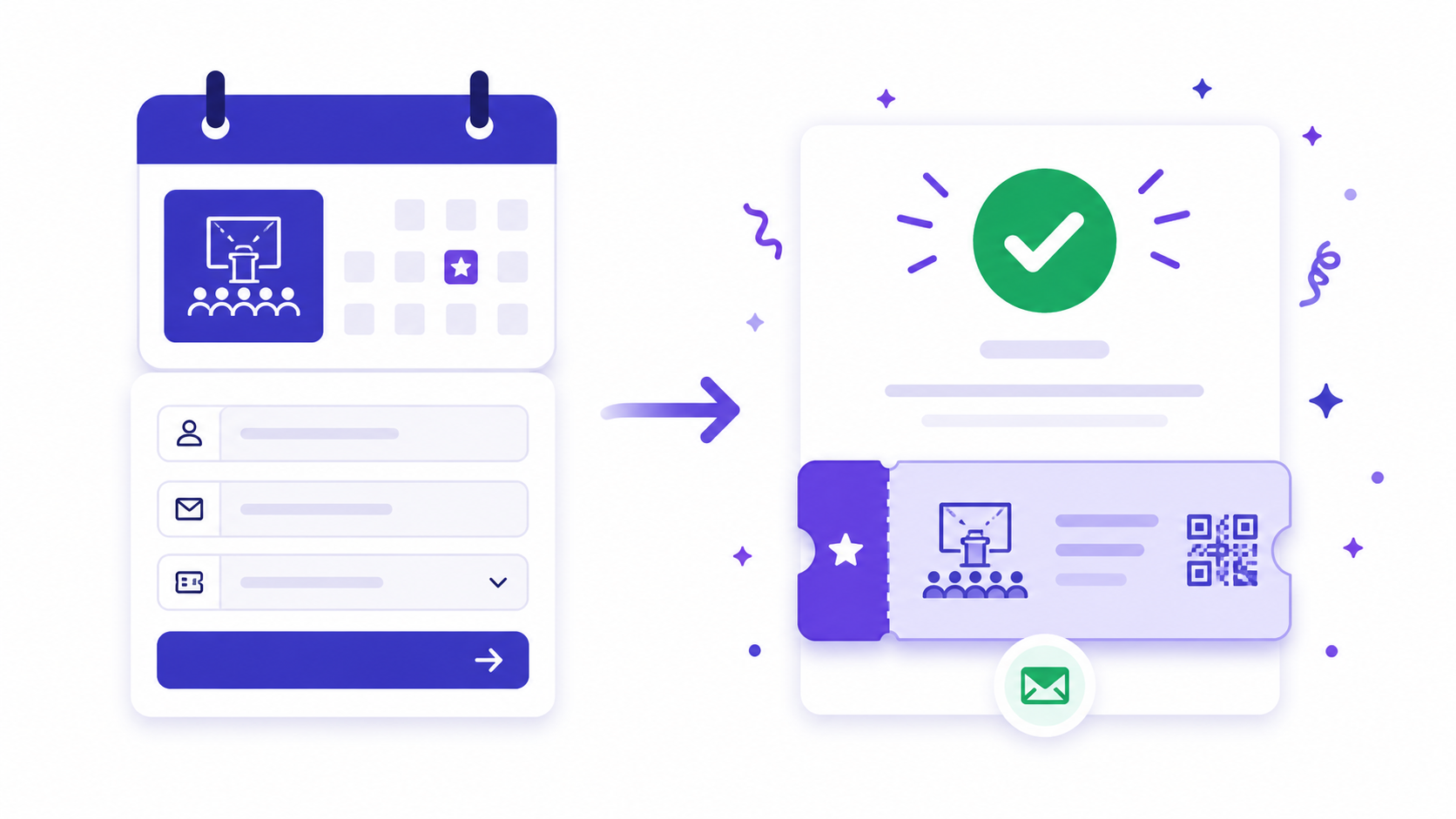
Event registration forms have a specific abandonment pattern that distinguishes them from other form types. General form abandonment tends to concentrate in the middle — where the form gets long, or a required field is unexpected, or the keyboard switches to the wrong mode on mobile. Event registration abandonment concentrates at the end, at the payment step or the account creation requirement, after the registrant has already expressed intent and invested time in the process. The person who drops off on a contact form never quite decided to engage. The person who drops off on an event registration form usually did decide — they were stopped by the final obstacle.
Building an event registration form that keeps signups moving requires understanding where in the process each obstacle lives and which ones are necessary versus inherited from platform defaults or habit.
Where Event Registration Forms Lose Attendees
The final-step abandonment problem is primarily driven by two causes: unexpected payment friction and mandatory account creation. Both are more common than they should be, and both are fixable.
Payment friction in event registration looks like this: the registrant reaches the end of a well-designed form, has answered all the questions, and is presented with a payment step that introduces a new platform, a new interface, or an unexpected fee. For free events, the payment step should not exist at all — but many event platforms insert a £0.00 checkout process as a default, which adds two to three clicks to the registration of a free event and creates abandonment from registrants who see a payment interface and assume they are about to be charged for something.
For paid events, the payment step should be integrated into the form flow rather than redirecting to a third-party checkout on a different domain. A registration form that redirects to a different site, a different visual design, and a different URL for payment breaks the momentum built through the registration and introduces trust friction at the exact moment the registrant is about to hand over payment details.
Mandatory account creation before completing registration follows the same pattern as in job application forms: it intercepts a user at peak intent and asks them to do something unrelated to their goal. A person who wants to register for a conference does not want to set a password and verify an email address before they can submit their dietary preferences. Removing the account creation requirement, or making it an optional post-registration step, recovers a portion of the final-step abandonment that nearly every enterprise event platform creates by default.
What to Collect and What Not To
Event registration forms accumulate fields over time. The first year, the form asks for name, email, and dietary requirements. By the fifth year, it asks for twelve things, takes ten minutes to complete, and nobody can remember why all the fields are there.
The guiding principle is collecting only what you will use before or during the event. Name and email for communications and the attendee list. Dietary requirements and accessibility needs if catering is provided. Session choices if the event has parallel tracks. Company name and role if the event is professional and the attendee list is a networking tool.
Fields that do not need to be on the registration form: newsletter subscription (should be an opt-in checkbox, not a mandatory field), how they heard about the event (useful for marketing attribution, worth one optional dropdown, not a required question), and phone number unless you will actually call them with a logistical update. Every additional required field costs completion probability. Collecting only what you will genuinely use before the event begins is both better form design and a better attendee experience.
Build an event registration form for a full-day
professional conference. Ask for first name, last
name, email address, company name, job title, and
dietary requirements (dropdown with common options
plus free text for other). Add an optional question:
how did you hear about this event (dropdown: email,
LinkedIn, colleague, website, other). Add a checkbox
for receiving future event announcements.
This generates a complete registration form in the AI form builder with a clean field sequence and appropriate types. The newsletter checkbox generates as an unchecked opt-in — the correct implementation for both legal compliance and genuine consent.
The Confirmation Email
The confirmation email sent immediately after registration is the most important communication in the attendee journey, and most event platforms send a version of it that does less work than it should.
The confirmation email has three jobs: confirm that the registration was received, give the attendee everything they need to attend, and reduce the probability of a no-show. Most confirmations do the first job and stop there.
Giving the attendee everything they need means: the event date, time, and location in the first two lines — not buried after two paragraphs of thank-you language — a calendar invite as an attachment or a link to add to calendar, the venue address with a link to Google Maps, and any preparation the attendee should complete before arriving. The calendar invite is worth emphasising: an event that is not on the attendee's calendar is an event they may forget exists, particularly for events registered more than a few weeks in advance.
The no-show reduction work begins in the confirmation and continues with a reminder sequence. One email seven days before, one the day before, and one the morning of the event. The day-before reminder is the single most effective intervention for improving attendance rates at free events. A person who registered two months ago and has since changed jobs or taken on a conflicting commitment is returned to awareness and renewed commitment by a reminder that arrives when the event is close enough to feel real.
Reducing No-Shows With Automated Reminders
No-show rates for free events typically run at 30 to 50 percent of registered attendees. For paid events, the rate is lower — perhaps 10 to 20 percent — because the financial commitment creates accountability that free registration does not. The most effective structural intervention for free event no-show rates is creating a micro-commitment at registration that functions similarly.
Session selection is the most effective micro-commitment available to multi-track event organisers. A registrant who has selected their sessions, chosen their workshops, and perhaps connected with other attendees who selected the same sessions has made a series of small decisions that collectively make non-attendance more costly. The session selection form, sent as a post-registration step a week before the event, does more for attendance rates than most reminder sequences alone.
For simpler events where session selection is not applicable, a post-registration question — "Is there anything specific you want to get out of this event?" — performs a similar function. It requires the registrant to articulate a reason for attending, which is a commitment mechanism. It also produces useful data for speakers and organisers about what the audience is actually looking for.
Connect your registration form to an automated reminder sequence through Make (Integromat). The sequence: immediate confirmation on registration, reminder seven days out, reminder the day before, morning-of reminder with venue and any last-minute logistics. Set it up once and it runs for every subsequent event.
Managing Capacity and Waitlists
A registration form without a capacity limit will accept more registrations than the venue holds if the event fills up after the form is published. Managing this manually — checking registrations against a capacity number and closing the form — is a process that fails at the moment of peak demand, which is usually the 48 hours after the event announcement.
The practical solution is a form with a capacity limit built into the routing: when the registration count reaches the venue capacity, a conditional redirect sends new registrants to a waitlist form rather than the full registration. The waitlist form captures name and email with a confirmation that they are on the waitlist and will be notified if a space opens.
The waitlist is also a signal of demand for future events. A waitlist of 200 people for an event with 100 seats is a clear input to sizing decisions for the next event, and those 200 people are a pre-qualified audience for the announcement.
Browse the event management templates for pre-built registration structures, or open the AI form builder to generate a registration form tailored to your event type and audience.
The guide to reducing form abandonment covers the structural changes that recover the registrations you are currently losing at the final step.
Create a free account to save and publish your event registration form →
Free plan includes 100 responses per month and 3 AI form generations. No credit card required, and no account is needed to try the generator on the homepage.