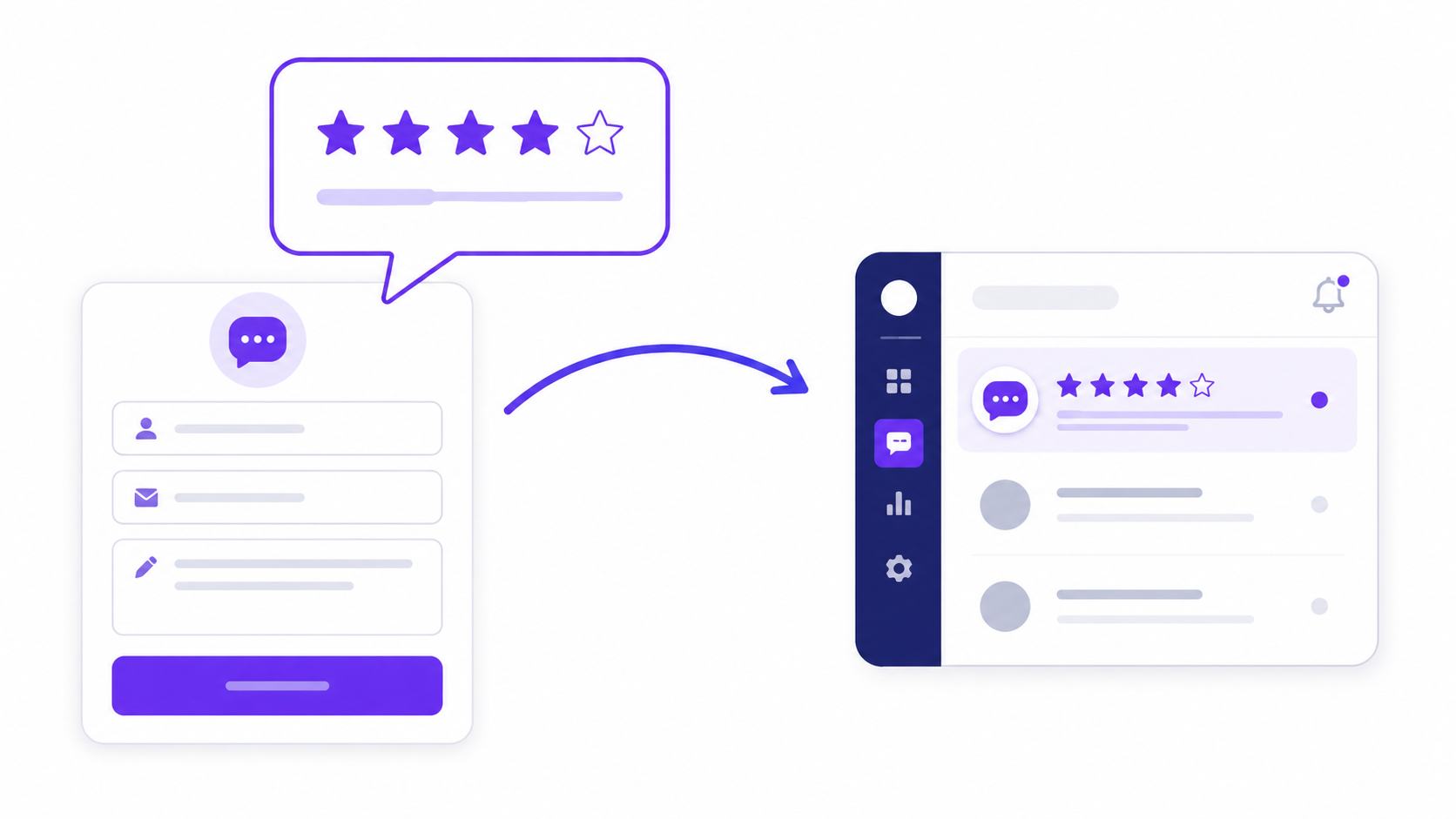
Most feedback forms produce data that confirms what the team already believed. Not because respondents are dishonest, but because most feedback forms are designed in a way that systematically suppresses honest negative feedback and amplifies positive responses. The design choices that cause this are specific and consistent: questions that are hard to answer negatively, scales anchored toward positive outcomes, required fields on sensitive questions, and timing that asks for feedback when the respondent's motivation is to be polite rather than useful.
Building a feedback form that gets honest responses requires understanding why the default design patterns produce what they produce — and what to change to get something more useful.
Why Most Feedback Forms Fail
The root problem is that most feedback forms are designed from the inside out. The organisation knows what it wants to hear, builds questions that give respondents easy access to positive answers, and collects data that confirms the existing self-assessment. This is not necessarily intentional — it is the natural result of the people who build the form being the same people the feedback is about.
Leading questions are the most common form of this bias. "How much did our team's responsiveness improve your experience?" assumes responsiveness was positive and asks only about degree. "How would you rate our team's responsiveness?" asks for an actual evaluation. The first question produces data that looks positive because the framing makes it easy to interpret any interaction as an improvement. The second produces data that reflects the respondent's honest assessment.
Scale anchoring follows the same logic. A scale with labels "Good," "Very good," and "Excellent" at the positive end and only "Poor" at the negative end makes low ratings feel exceptional — the scale treats positive as the default state. A balanced scale — "Poor / Fair / Good / Very Good / Excellent" — gives equal linguistic weight to each level and produces a distribution that reflects reality more accurately. The difference in average scores between these two scales on the same product experience is consistently significant.
Required fields on sensitive questions create a specific kind of pressure. "Please describe what we could have done better" marked as required forces a response from every respondent, which produces either platitudes from the satisfied ones or abandoned forms from people who have something specific to say but don't want to commit to writing it in a mandatory field. An optional marker on genuinely sensitive open-text questions communicates that honest negative feedback is welcome but not demanded. Most respondents who have something specific to say will write it regardless of whether the field is required.
Question Design That Produces Honest Answers
The design patterns that consistently produce more honest feedback share a common structure: they are specific, they are behavioural, and they do not embed an assumption about the expected answer.
Specific questions produce specific answers. "How was your experience?" produces "Good, thanks." "How quickly did you receive a response after your initial enquiry?" produces a real evaluation of a real, specific thing that happened. The first question asks the respondent to summarise a complex experience in a single adjective. The second asks them to evaluate one specific, recent, and memorable event — which is something they can answer accurately and honestly without any particular effort.
Behavioural questions are anchored to what actually happened rather than to feelings or impressions. "How clear was the explanation you received?" is more actionable than "Did you feel supported?" Both ask about the same interaction. The behavioural version is evaluating a specific, improvable thing — explanation clarity — that the organisation can do something about. The feeling-based version measures an emotional state that is harder to connect to a specific cause or a specific fix.
The "what would have made this better" structure is consistently the most useful question type in any feedback form. It is not "was there anything wrong?" — which is easy to answer with "no" — and it is not "what didn't you like?" — which many respondents find difficult to answer directly because it invites complaint. "What would have made this experience better?" implies that improvement is possible and expected, invites a specific suggestion rather than a criticism, and is genuinely easy to answer even when the overall experience was positive.
Build a customer feedback form for a B2B software
product. Ask for a rating of the onboarding experience
(1-5 scale), one specific thing that went well
(short text, optional), what would have made the
onboarding better (short text, optional), and
how confident they feel using the product independently
(1-5 scale). End with: "Is there anything else you
want us to know?" (open text, optional). No required
open-text fields.
This prompt generates a clean, honest-feedback-oriented form in the AI form builder. The optional labels on open-text fields communicate that the form is interested in honest responses rather than box-checking completions.
When to Send: Timing the Ask
The timing of a feedback request is at least as important as the content of the form. A feedback form sent at the wrong moment produces responses that reflect the respondent's current emotional state rather than their assessment of the experience you are asking about.
The general principle is recency and closure. Feedback about a specific experience should be requested after that experience is complete and while the memory is specific. For a support interaction, that means within 24 hours of resolution. For an onboarding experience, that means at the point where the user has completed onboarding and is starting to use the product independently — not the day after they created an account, before they have had any real experience. For an event, the day after, when the experience is fresh but the emotional peak of the day has settled.
The moment-of-peak-satisfaction send is the most common timing mistake. Sending a feedback form immediately after a successful onboarding call, while the respondent is still in a positive emotional state, produces inflated ratings. The same respondent asked the same questions 48 hours later — after the emotion has normalised and they have had some experience with the actual product — produces a more accurate assessment of whether the onboarding actually prepared them for independent use.
For teams whose feedback forms consistently show very positive results despite known product problems, delayed timing is often the fix. The questions are fine. The moment of asking is wrong.
Anonymity and Response Quality
Anonymity increases honesty for a specific subset of feedback questions: those about manager relationships, team dynamics, internal processes, and anything where an honest answer could create a social consequence for the respondent. For customer product feedback, anonymity is less critical — most customers have no social stake in being honest about their experience with software they pay for.
The design mistake is making feedback forms anonymous by default when the respondent's identity is needed for meaningful follow-up. A customer who reports a specific product bug anonymously cannot be contacted to test the fix. An employee who describes a process problem anonymously cannot be asked for more context. Anonymity trades away the ability to close the loop in exchange for potentially more candid initial feedback. This is a good trade for sensitive internal feedback; it is often a poor trade for customer product feedback.
The middle path is optional identification: the form collects feedback without requiring a name, but includes a clearly marked optional field for respondents who want to be contacted about their response. This produces the honest feedback that anonymity enables while preserving the follow-up path for respondents willing to engage further — which is often the subset with the most specific and actionable feedback to share.
One Question at a Time Increases Response Quality
One question at a time — the conversational form format — produces higher completion rates and longer open-text responses than a full-page form for feedback specifically. The respondent encounters each question independently, giving it full attention before moving to the next. This reduces the tendency to skim and give minimum-effort answers to every question in order to reach the submit button as quickly as possible.
The effect on open-text response quality is particularly clear. A respondent who sees a single open-text question on its own — "What would have made this experience better?" — with nothing else on the screen tends to write a more considered answer than a respondent who sees the same question as field seven of twelve on a page they are scrolling through. The question is identical; the context changes how much thought goes into the answer.
Progress indicators in the conversational format serve a different function than in full-page multi-step forms. In a feedback form, they should move quickly in the early questions to establish that the form is short — a completion bar that reaches 40 percent after the second question communicates that the whole thing will take under two minutes, which is the primary driver of whether a respondent continues or abandons.
Acting on the Data
A feedback form that collects responses nobody reads is a trust-destroying exercise. Respondents who take two minutes to provide specific, thoughtful feedback and receive no evidence that anyone saw it will not fill in the next feedback form. The pattern of diminishing response rates on repeated feedback surveys is largely explained by this dynamic: the first survey produces good responses; the subsequent ones produce shorter and shorter answers as respondents conclude that the exercise is performative.
Closing the loop does not require a detailed response to every submission. It requires visible evidence that feedback was received and considered. A product changelog entry that says "Based on onboarding feedback, we've updated the getting-started guide" is evidence. An all-hands mention of a recurring theme from customer feedback is evidence. A follow-up email to respondents who provided specific feature requests — "we've noted your feedback on [feature] and it's on our roadmap" — is evidence. The closing action does not need to be large; it needs to be visible to the people who provided the feedback.
Browse the form templates library for customer and employee feedback starting points. The guide to reducing form abandonment covers the structural changes that improve completion rates once the question design is right. The customer feedback form guide covers the post-interaction feedback design for teams building a complete customer feedback stack.
Create a free account to save and share your feedback form →
Free plan includes 100 responses per month and 3 AI form generations. No credit card required, and no account is needed to try the generator on the homepage.