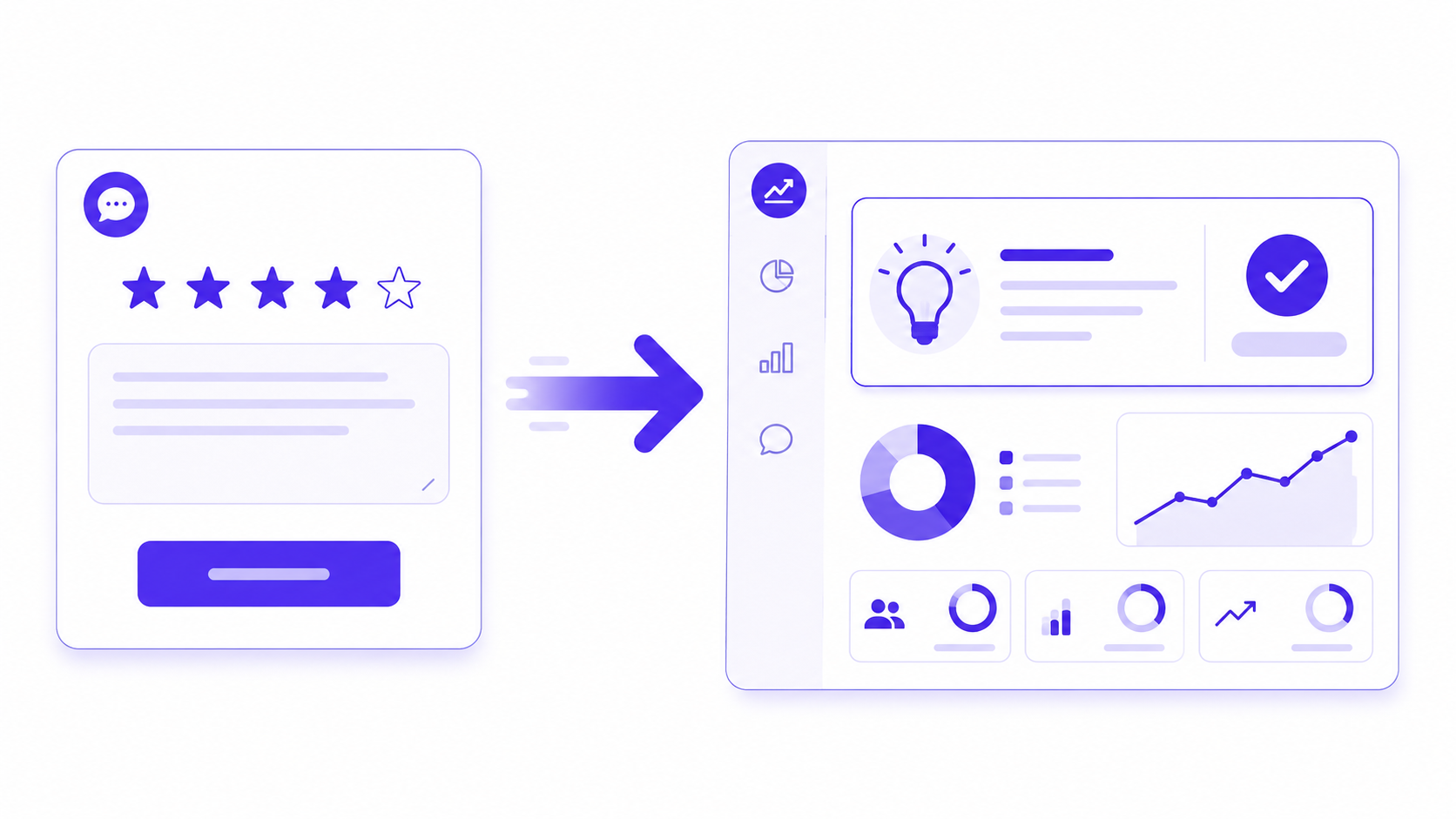
Most customer feedback forms are built backwards. The team decides what it wants to know, writes questions that make the answers easy to give positively, and sends the form at a moment chosen for convenience rather than for response quality. Then, when the data comes back — mostly positive, mostly vague, mostly useless — the team concludes that customers either don't have strong opinions or aren't willing to share them.
Neither is usually true. Customers have opinions. They share them freely in conversations, in support tickets, in reviews on third-party sites. What they won't do is spend four minutes filling in a ten-question form about an experience they had three weeks ago, for a company whose last feedback survey produced no visible change in anything.
The problem is design, timing, and follow-through — not customer willingness. Each of those three things is fixable.
Why Most Customer Feedback Forms Fail
The failure modes are consistent enough to name individually, because each one has a specific fix.
The form is too long. A ten-question feedback form is asking a customer to invest three to five minutes of focused attention in an activity with no direct benefit to them. Most won't. The customers who do complete a long form are self-selected toward either strong positive or strong negative sentiment — which skews the data toward the extremes and away from the nuanced middle where most customer experience actually lives. Shorter forms, sent more frequently, produce better data than long forms sent occasionally.
The questions are too vague. "How would you rate your overall experience?" produces a number that tells you nothing about what to improve. "How easy was it to find what you were looking for?" produces a number about a specific, improvable thing. The difference between a feedback form that generates useful data and one that generates noise is almost always in the specificity of the questions rather than the volume of them.
The timing is wrong. A feedback form sent two weeks after a purchase is asking the customer to recall an experience that has largely faded. A feedback form sent 24 to 48 hours after the relevant interaction — a support ticket resolution, an onboarding call, a delivery — captures the experience while it is specific and fresh. The recency of the memory is directly correlated with the specificity and accuracy of the feedback.
The form asks for a login. Requiring customers to authenticate before they can submit feedback reduces completion rates significantly and contradicts the implicit promise that feedback is easy to give. The form should be accessible via a single link with no login required and no account creation step.
One Question at a Time: Why It Works
The single most effective structural change you can make to a customer feedback form is switching from all questions on one page to one question at a time. Not because customers can't handle a full-page form, but because the cognitive experience of the two formats is fundamentally different.
A full-page feedback form presents the customer with a task. They can see the whole thing, they can estimate how long it will take, and they make a completion decision before they have answered anything. If the form looks longer than they are willing to invest, they leave before the first answer. The abandonment happens at the top, before any data is collected.
A one-question-at-a-time form presents the customer with a conversation. There is no visible length. There is one question, and then the next one. The completion decision is made repeatedly, after each answer, rather than once at the beginning — and the repeated decision to continue is easier to make than the initial commitment to a task of unknown length. The same ten questions that produce 30 percent completion as a full-page form routinely produce 60 to 70 percent completion in a conversational format.
Progress indicators matter in this format, and the way they move matters more than their presence. A progress bar that reaches 40 percent after the second question communicates that the form is genuinely short — which re-confirms the completion decision for the customer on each screen. A progress bar that is still at 15 percent after the third question communicates the opposite. The bar should reflect completion proportion accurately, not be artificially slowed.
The guide to reducing form abandonment covers the other structural causes of drop-off in detail. The one-question format addresses the single largest cause — the upfront length estimation that kills completion before it starts.
The Fields That Actually Matter
A customer feedback form needs, at minimum, two things: a rating of the specific experience and an open-text question asking what would have made it better. Everything beyond that is a tradeoff between the additional signal you gain and the completion rate you lose.
The experience rating should be anchored to the specific interaction, not to the overall relationship. "How would you rate your overall experience with us?" measures a composite of everything the customer has experienced across their entire relationship — which is too broad to act on. "How easy was the returns process?" measures one specific thing the team can improve. Specific ratings produce specific action points.
The follow-up question is where the real insight lives. "What would have made this experience better?" is consistently the highest-value question in any customer feedback form because it invites a specific, constructive answer rather than a complaint or a compliment. Most customers who score eight or nine out of ten still have a specific thing that would have made it a ten — and that thing is the product improvement roadmap item that a satisfaction score alone will never surface.
Contact details are worth collecting as an optional field, not a required one. A required email address on a feedback form signals that the feedback will be used to contact the customer rather than to improve the product — which is off-putting for customers who simply want to give their opinion without starting a conversation. An optional email field with the label "Leave your email if you'd like us to follow up" is honest about the purpose and collects contact details from the subset of customers who actually want a response.
Build a customer feedback form for an e-commerce
returns process. Ask: how easy was the returns
process (1-5 scale), what could we have made easier
(open text, optional), and an optional email field
labelled "Leave your email if you'd like us to
follow up." One question at a time, conversational
format. No login required.
This prompt generates a complete, ready-to-send feedback form in the AI form builder in under 10 seconds. The conversational format, scale field, and optional email field all generate from the description — no manual configuration required.
What to Leave Out
Most customer feedback forms include fields that add friction without adding signal. Knowing which ones to cut is as important as knowing what to include.
Demographic questions — age range, gender, location — are almost never needed for a post-interaction feedback form. They are collecting segmentation data that marketing wants rather than experience data that product and support teams can act on. Adding demographic fields to a feedback form increases completion time and signals to the customer that the form is about the company's data needs rather than their experience.
Multi-select feature rating grids — a table of product features rated from 1 to 5 — are the most common form of feedback form bloat. They take a long time to complete, produce data that is hard to aggregate meaningfully, and rarely surface anything the product team did not already know. If you genuinely need feature prioritisation data, a dedicated research form sent to a specific cohort is the right instrument — not an appendix to a post-interaction feedback form that is already asking the customer for their time.
Net Promoter Score appended to unrelated feedback is a category error that is worth naming explicitly. NPS is a relationship metric — it measures the overall loyalty signal across the customer relationship — and it loses its meaning when appended to a specific interaction feedback form. A customer who had a poor returns experience will give a low NPS score that reflects that interaction rather than their overall relationship with the brand. The NPS survey guide covers how to run NPS correctly as a standalone programme rather than as an addition to interaction feedback.
Timing and Triggering Sends
A feedback form sent at the right moment produces responses that reflect the actual experience. A feedback form sent at the wrong moment produces responses that reflect whatever else is happening in the customer's week.
For post-interaction feedback — support, onboarding, delivery — the window is 24 to 48 hours after the interaction closes. Before 24 hours, the customer may still be in the emotional context of the interaction, which inflates responses in either direction. After 48 hours, the specific details begin to fade and responses become more general. The 24-to-48-hour window captures specificity and some emotional distance simultaneously.
For relationship feedback — overall satisfaction, renewal intent, product-market fit — the timing should be decoupled from any specific interaction. Sending a relationship survey immediately after a support ticket closes associates the relationship score with the support experience rather than the overall relationship. The right timing for relationship feedback is a fixed interval — quarterly, or at tenure milestones — that is not triggered by a specific event.
Automation is worth building for post-interaction sends. A trigger from the support platform, the onboarding completion event, or the order delivery confirmation sends the feedback form link at the right moment without requiring anyone to remember to do it manually. Once configured, every future interaction triggers the send automatically.
Collecting Feedback Is Not the Same as Acting on It
A feedback form that collects responses nobody reads is worse than no feedback form at all. It creates the expectation that feedback is wanted, and then violates it. Customers who took two minutes to share a specific improvement suggestion and received no acknowledgment — and saw no change — will not fill in the next feedback form.
The closing-the-loop step does not need to be elaborate. A product changelog entry that cites customer feedback. An email to the cohort that gave consistent feedback on a specific friction point, explaining what changed. A monthly summary shared with the customer-facing team showing the top three themes from the previous month's responses. Each of these is evidence that the feedback form serves a real purpose — and that evidence is what produces response rates on the next one.
Closing the loop on negative feedback specifically — contacting customers who left low scores or specific critical comments — converts a portion of detractors into neutral or positive customers while simultaneously producing the most specific and actionable product improvement data available. The customers who tell you something is broken are doing product management work for free. The form is only the collection mechanism.
Browse the customer feedback templates for pre-built post-interaction and relationship feedback formats. The feedback form guide covers the question design principles shared between customer and employee feedback in more depth.
Create a free account to save and share your customer feedback form →
Free plan includes 100 responses per month and 3 AI form generations. No credit card required, and no account is needed to try the generator on the homepage.