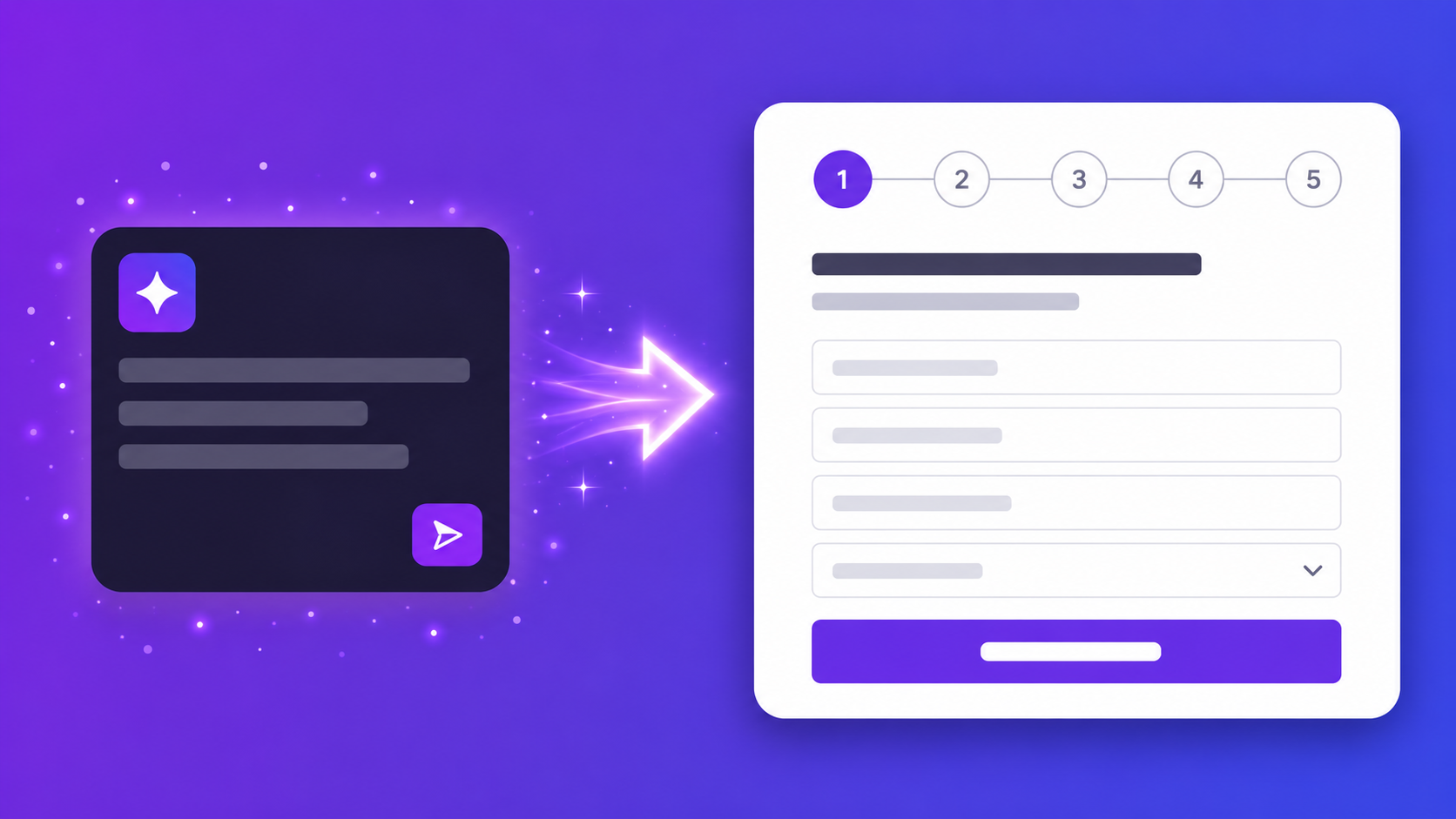
Intake forms are one of those things every client-facing business needs but almost nobody has quite right. You build one — usually in a rush, for the first client type that needed it — and reuse it forever. That's where AI intake forms change the equation: describe your client type and the engagement, and a complete intake form generates in under 10 seconds.
But once you're running more than a handful of client engagements per month, the maintenance problem becomes real. The form that works for a brand launch doesn't work for a performance audit. The form that works for a small business doesn't work for an enterprise prospect. You end up with multiple versions of the same form, none of them exactly right, all updated manually whenever something changes.
This post covers how AI intake forms work, what makes them different from standard form builders, and the exact prompts agencies and consultants use to generate intake forms for four common engagement types — in under a minute each.
The Hidden Cost of Manual Intake Forms
The time cost most people cite for intake forms is building them. That's the visible cost. The real cost is everything after: updating them when your service offering changes, adapting them for a new client type, reformatting questions when what worked last year no longer reflects how you work now.
A small agency or consultant running five new engagements per month spends roughly 20 minutes on form-related admin per intake — building or adjusting the form for the specific client type, then copying responses into a CRM or spreadsheet. That's 100 minutes per month on work that produces no output except correctly labelled data. Across a year, that's over 20 hours. Building the same intake form three slightly different ways, none of them quite right, is a workflow that only makes financial sense if your billing rate is zero.
The one-size-fits-all form is the underlying problem. A law firm's intake needs matter type, urgency level, and privacy consent. A design studio's intake needs brand guidelines, competitor avoidance, and revision preferences. A marketing agency's intake needs budget range, current channels, and campaign goals. One general-purpose form means you're either collecting data you don't need, or following up manually to get what you do — adding a third interaction to a process that should complete in one.
What Makes an AI Intake Form Different
An AI intake form isn't a form builder with autocomplete suggestions. It's a different starting point entirely: you describe the client type and engagement, and the form generates from that description. Every field is specific to the context you provided. The structure reflects the actual information flow of that engagement, not a generic template bent to fit.
Conditional logic generates automatically from context. Describe a form where high-budget prospects get a different follow-up than small-business enquiries, and the branching deploys in the generated form — not left as a note to configure manually. Multi-step structure appears from how you describe the sections. Display modes — one-question-at-a-time for a conversational intake experience, or all-on-one-page for a traditional layout — are configurable after generation without rebuilding the form.
Here's a real example. This prompt:
Build a client intake form for a digital marketing agency.
Step 1: company details, website, industry.
Step 2: campaign goals, current channels, monthly budget range.
Step 3: timeline, decision maker contact, how they found us.
Produces a three-section multi-step form — URL validation on the website field, a dropdown for monthly budget range with sensible bands, a checkbox group for current channels, and a referral source dropdown with common options pre-populated. The step structure appears because you described it in steps. Built manually in a form builder, that form takes 20–30 minutes. Generated in the AI form builder, it takes under 10 seconds.
How Agencies and Consultants Use AI Intake Forms
These four prompts cover the most common agency and consultancy intake scenarios. Each generates a complete form in Promptly Forms, or can be used in ChatGPT to refine your question set before building.
Digital / marketing agency
Create a client intake form for a digital marketing agency.
Ask for company name, website URL, industry, monthly
marketing budget (dropdown), current channels used
(checkboxes), primary goal (awareness/leads/retention),
and key contact details.
Produces a six-field intake with URL validation on the website field, a budget dropdown with sensible ranges, a checkbox group for channels, and a radio button for the primary campaign goal. The budget dropdown is particularly useful: clients find ranges easier to answer than open text, and you get data that's immediately usable for segmentation rather than requiring cleanup later.
Design / creative studio
Build a project intake form for a design studio.
Step 1: client details and brand overview.
Step 2: project type (logo, website, campaign — checkboxes),
timeline, budget range.
Step 3: inspiration references, competitors to avoid,
decision-making process.
Produces a three-section multi-step form that moves the client through brand context, project scope, and creative direction in a logical sequence. The competitor avoidance and decision-making process fields generate as open-text — the right type for nuanced inputs that don't fit a dropdown. Moving through sections one at a time also tends to increase completion rates compared to a single long-scroll form.
Legal / professional services
Create a client intake form for a law firm.
Ask for full name, contact details, matter type (dropdown),
brief description of the issue, urgency level, how they
heard about us, and consent to privacy policy.
Produces a structured intake with a matter type dropdown, a plain-text description field, an urgency scale, a referral source dropdown, and a required privacy policy consent checkbox. The consent field generates as a required checkbox — the correct implementation — not an optional text field the client can bypass. The urgency scale provides triage data before the first call.
Coaching / consulting
Build an intake form for a business coach.
Ask about current revenue, team size, biggest challenge,
what they've tried already, their 90-day goal, and
preferred coaching format (1:1/group/hybrid).
Produces an intake that surfaces client context before the first session — current state, prior attempts, specific goal, and format preference. Revenue and team size generate as dropdowns with sensible ranges rather than open text, which is easier for clients to answer honestly and easier for coaches to filter and segment when reviewing submissions.
Auto-Routing Responses to the Right Tool
The form is half the workflow. Once a client submits, the response needs to go somewhere useful — a CRM record, a project brief, a Slack notification to the right team member.
Promptly Forms connects natively to Google Sheets and Make (Integromat) on the free plan. A typical intake routing workflow in Make looks like this: new Promptly submission arrives → create a contact record in HubSpot or Pipedrive → if the budget range is above a threshold, send a notification to the sales Slack channel → if the project type is "brand identity," assign the lead to the brand team in Asana. Set it up once and every future submission follows the same path automatically, without anyone copying data between tools.
For teams that need simpler routing, the Google Sheets sync sends all submissions to a named sheet in real time. The intake data is in the spreadsheet by the time you open it — no export step, no manual copy-paste between the form tool and wherever you track clients. Both integrations are available on the free plan. Webhooks are also included for custom routing to any endpoint, including internal tools or custom CRM setups.
Building Your AI Intake Form: Step by Step
Here's the exact process on Promptly Forms.
Step 1: Open the AI form builder — no account needed
You don't need to create an account to see what the AI generates. Describe your form on the homepage and the complete form appears before you've committed to anything.
Step 2: Describe your client type and the information you need
One or two sentences is enough. Include the engagement type, the key fields, and any structure you want — multi-step, budget dropdowns, consent checkboxes. The more context, the more specific the generated form. "Create a client intake form for a web design agency" produces a generic intake. "Create a client intake for a web design agency — Step 1: company and brand details. Step 2: project scope, timeline, budget. Step 3: approval process and key contacts" produces a structured, three-section form.
Step 3: AI generates the complete multi-step form in under 10 seconds
Fields configured, field types selected, URL validation on website fields, dropdowns for budget and timeline, consent checkboxes where your description implied them. Multi-step structure appears if you described sections.
Step 4: Review and adjust in about 30 seconds
Most generated intake forms need minor changes — a label that could be sharper, an optional field that should be required, a dropdown that needs one more option. A quick pass before publishing.
Step 5: Save and share your link
Create a free account to save the form — under a minute, no credit card required. The free plan includes 100 responses per month and 3 AI form generations. Publish and you have a shareable link immediately, ready to embed on your site or send directly to incoming clients.
Step 6: Connect to Google Sheets or Make
Both integrations are available on the free plan. Connect once and all future submissions route automatically.
For a detailed walkthrough of how AI form generation works — including the prompt patterns that get the best results — the complete guide to creating a form with AI covers this in depth.
Templates by Vertical (If You Want a Head Start)
If you'd rather start from a pre-built structure than generate from scratch, Promptly's template library covers the most common intake use cases.
Lead generation and intake templates cover the core agency and consultancy formats — B2B lead capture, consultation requests, service enquiries, and demo request forms. Most are usable on the free plan without modification and cover the common intake structures for marketing, creative, and professional service businesses.
HR and onboarding templates cover employee onboarding intake, contractor forms, and client-side onboarding checklists for teams that run structured onboarding processes.
For anything specific to your engagement type, generating from a description in the AI form builder typically produces a better result than editing a template — because the generated form starts from your context, not a generic structure.
Start Building
Pick the intake form your team has used unchanged for the longest time. The one where half the fields don't apply to half your clients, and the other half requires a follow-up email to get the information you actually needed. That's the one to replace first.
Open the AI form builder and describe your client type in one or two sentences. You'll have a complete, field-ready intake form in under 10 seconds — multi-step structure included if you want it, conditional logic wired if your description implies it. Free plan includes 100 responses per month and 3 AI form generations. No credit card required, no account needed to try the generator.
When you're ready to save and share: create a free account here in under a minute.